Fixing search for an enterprise patent platform
Patsnap's search was built for experts, split across 13 inconsistent products, and 28% of searches returned nothing. I made the case for reworking it, won over the CEO and head of product with evidence, and led a redesign that worked for newcomers and experts alike.
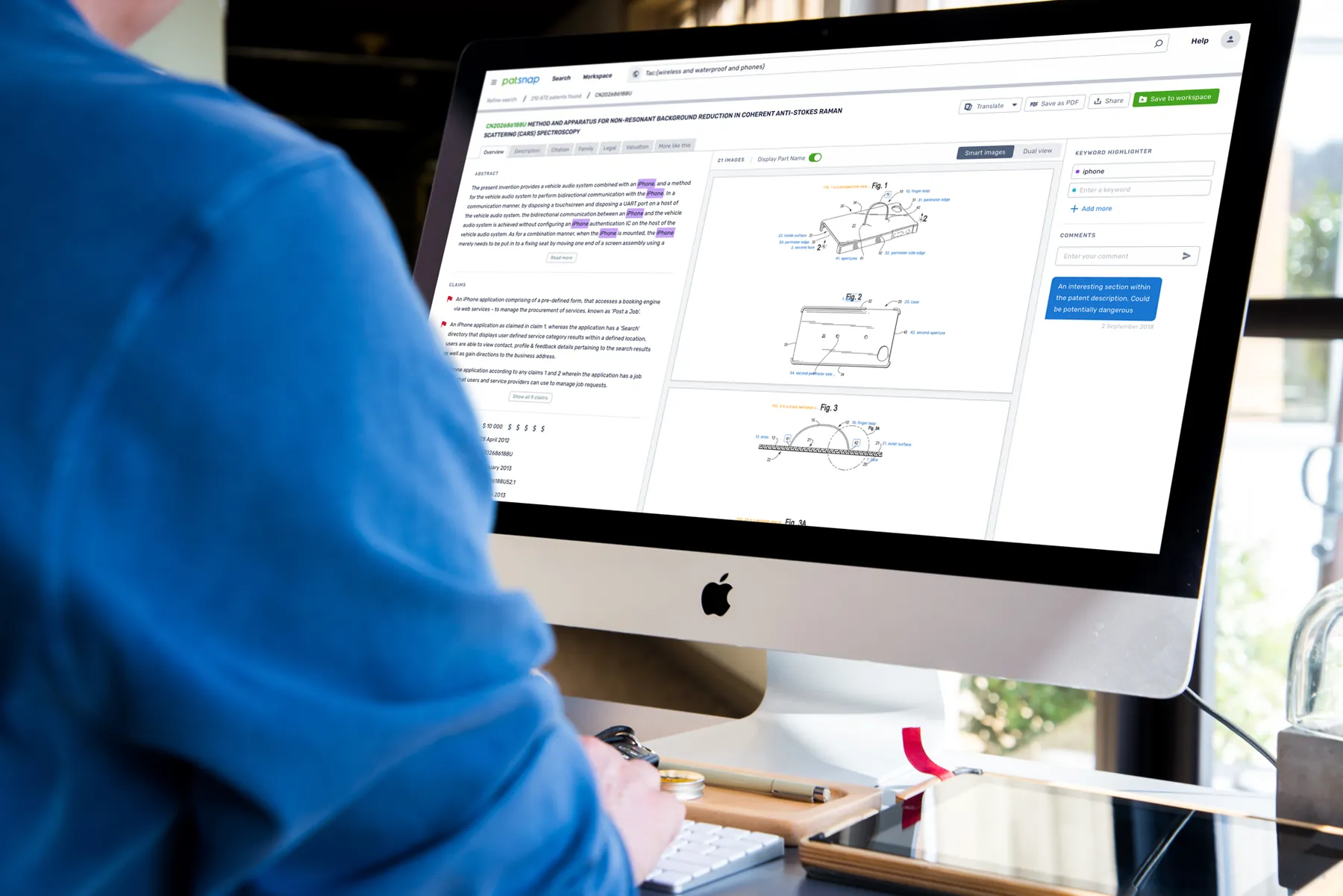
In short
- Problem: R&D teams relied on search to see the full patent landscape, but it was built for experts, split across 13 products, and 28% of searches returned nothing.
- My role: UX lead for search across two products, guiding 3–5 designers in China and working with 15+ engineers.
- What I did: used rapid research to win leadership buy-in, then redesigned search into two paths that catch problems before a search runs.
- Outcome: zero-result searches cut from 28% to 14%, advanced searches 3 minutes faster, and hours of support time saved.
Why search mattered
Patsnap is a B2B patent search and innovation platform. Its clients' R&D teams use it to understand competitors, see what already exists in their space, protect their own ideas, and run due diligence.
All of that depends on search. If a search misses something, the client is making decisions without the full picture, and that can put their business at risk.
The problem
Search had grown into something only experts could use:
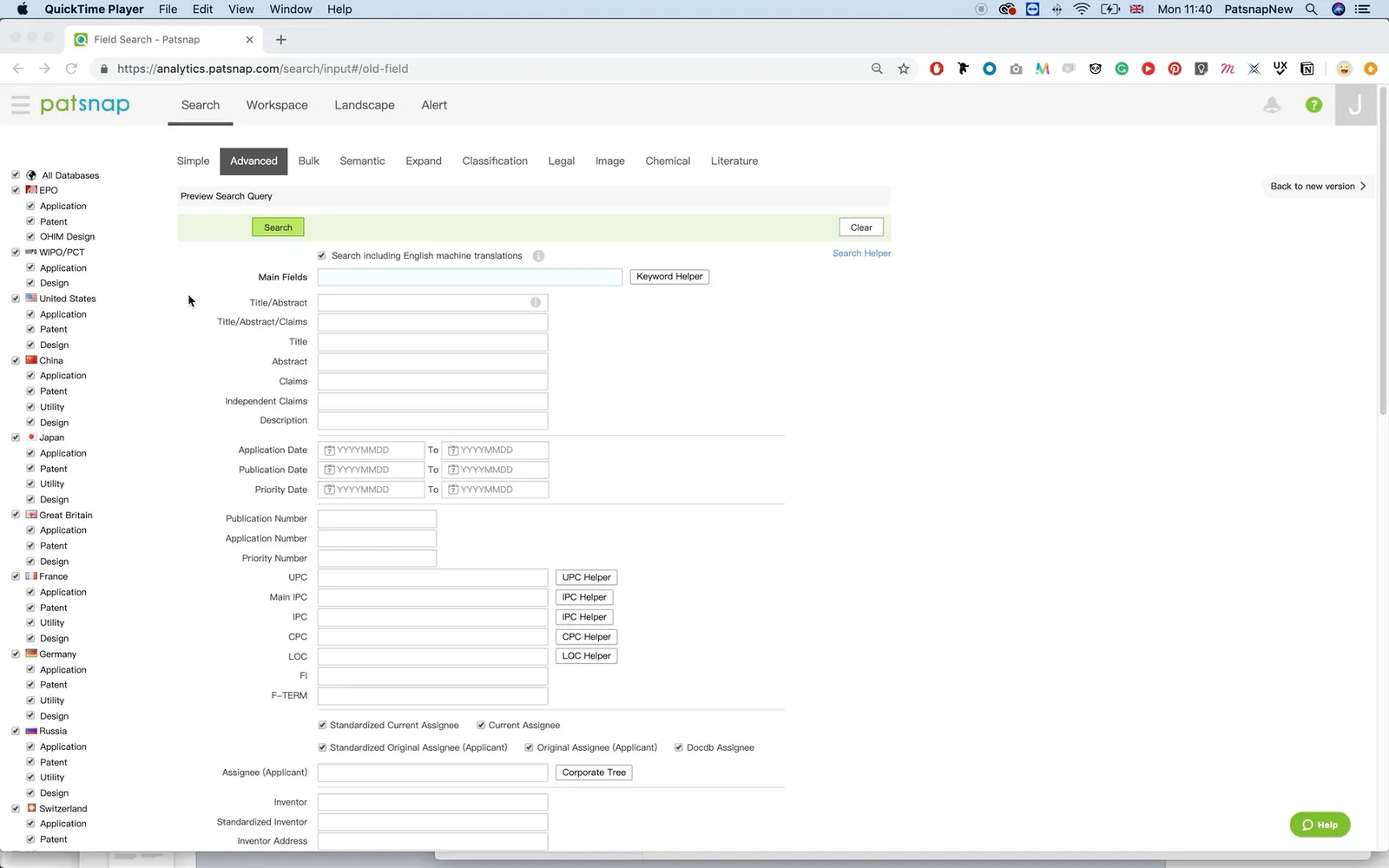
- 13 inconsistent search products with a confused visual hierarchy
- A complex experience aimed only at professional users
- 28% of searches returned zero results
- Search conversion sat at 40%
Any fix had to work within real constraints: an ageing search backend, boolean syntax we couldn't change, expert workflows we couldn't break, and a team working across time zones and a language barrier.
Making the case
When I first proposed reworking search, the answer was no. Leadership was focused on niche features that individual customers were asking for.
So I came back with evidence. Rather than a full study, I ran rapid research: enough to put numbers on the problem and justify a deeper analysis. I pulled the search data, analysed a sample of 2,000 searches split equally between Western and Eastern customers, and spoke to users at high-value enterprise accounts.
Nearly half of all zero results came from user errors that design could fix. I took this back to the CEO and head of product, and won buy-in to rework search.
Key decisions
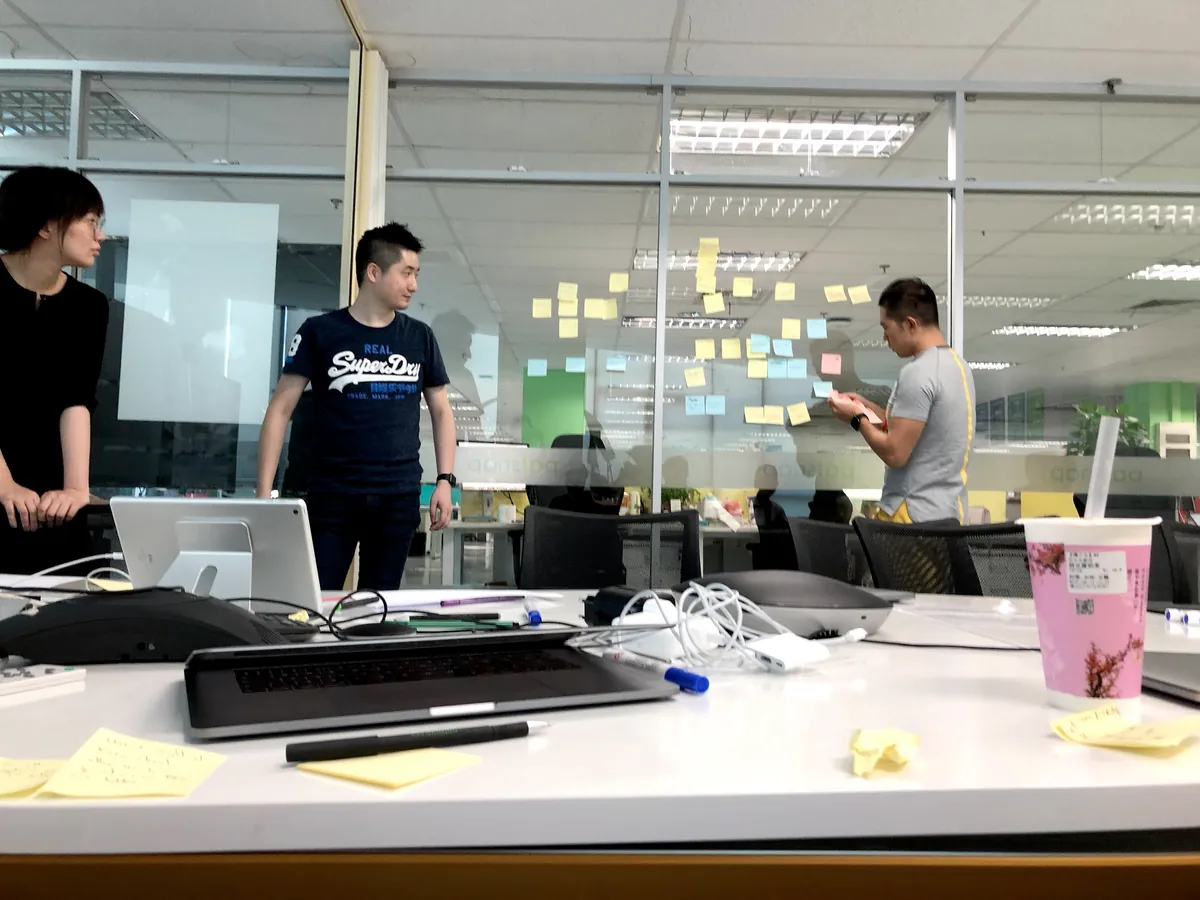
I ran a cross-functional workshop to turn the data into solutions, ranked by value against effort. Three decisions shaped the result.

Two search paths for two kinds of user
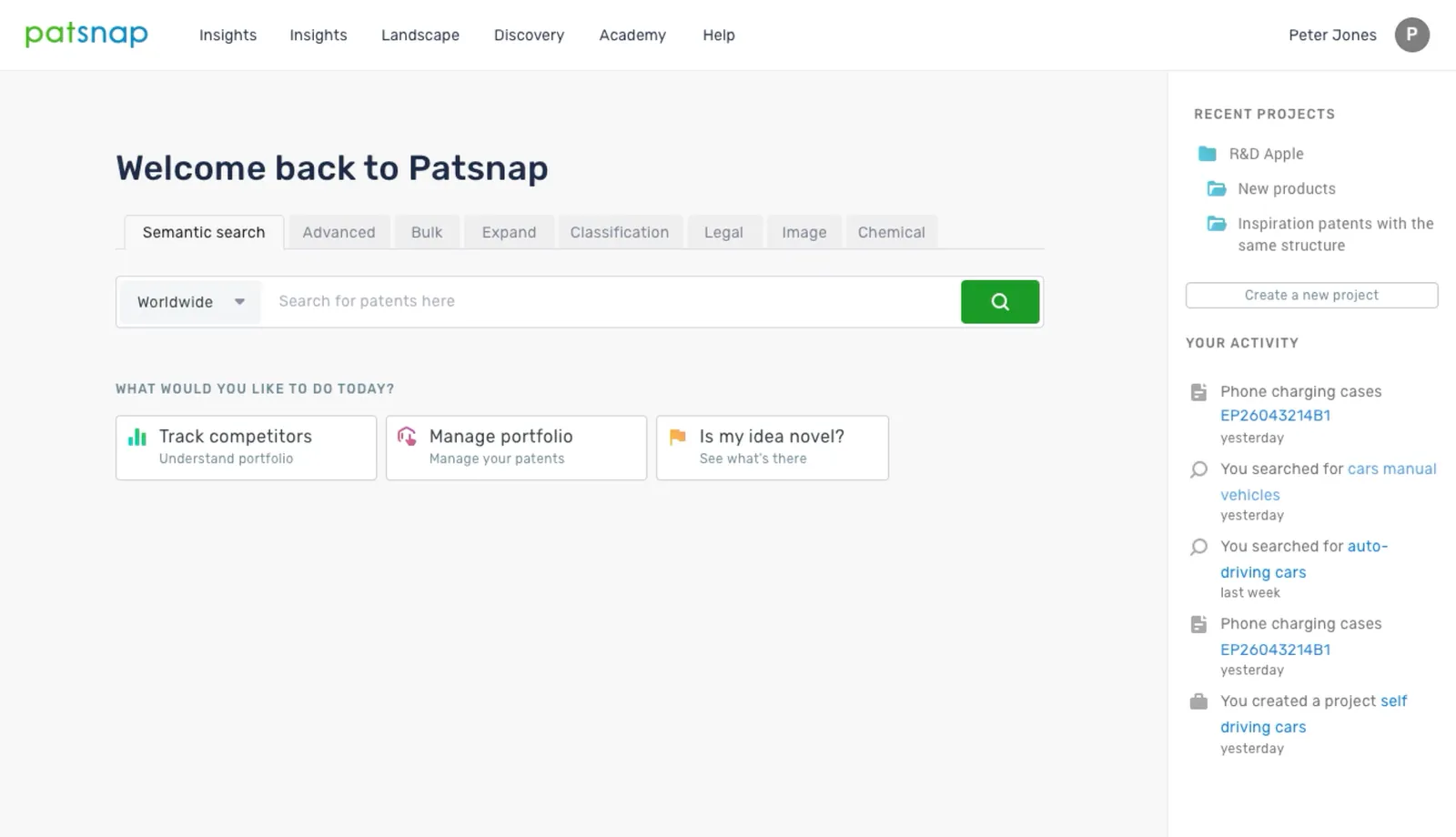
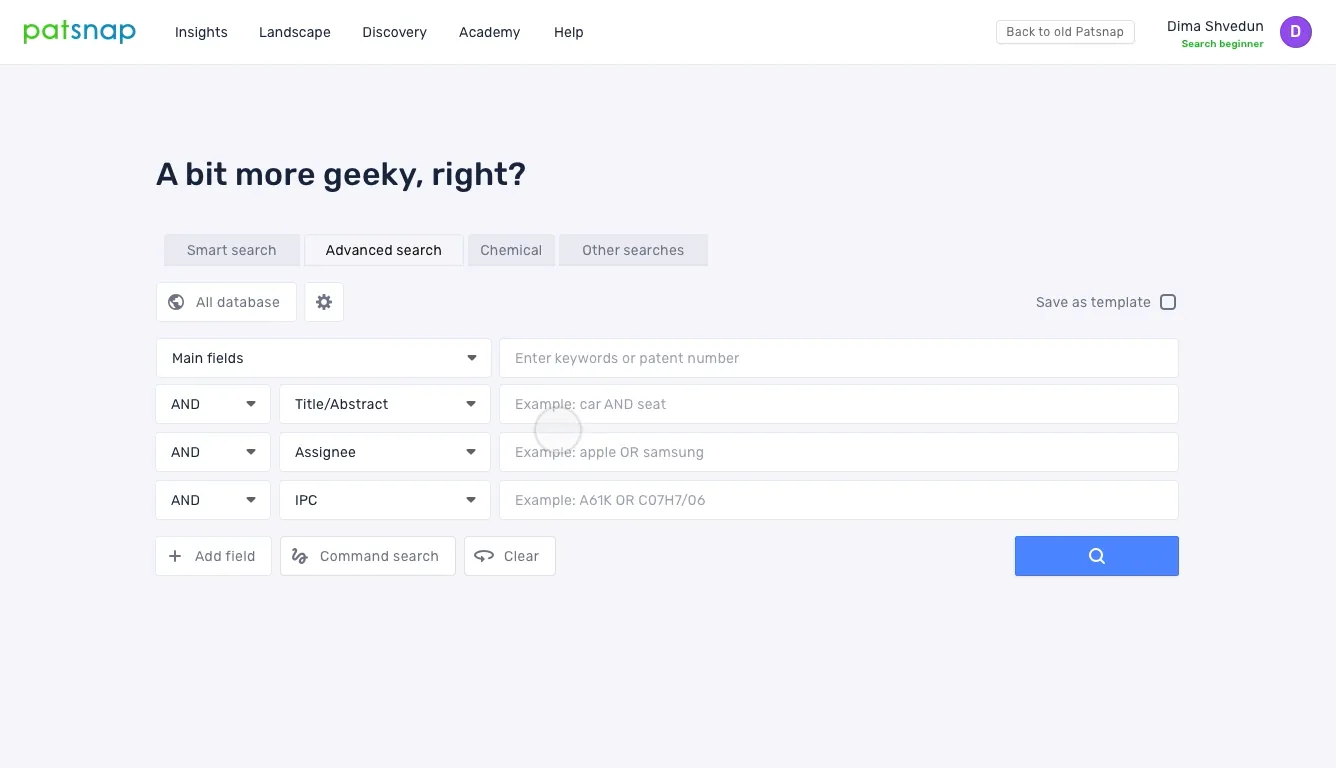
New users were put off by the complex search, while R&D teams and IP and legal experts needed very different things. I split search in two:
- Quick search: type a topic or question, and it builds a structured search from what you've written
- Advanced search: a guided builder for complex boolean queries
The trade-off. We defaulted everyone to quick search, because only a minority of users needed advanced search. But for legal experts it was essential, and they didn't like starting in the wrong place. I solved this by remembering each user's choice after their first search, so they always land in the experience they prefer.
Catch problems before the search runs
Rather than designing a better "no results" page, I focused on stopping failed searches from happening. As users built an advanced query, the syntax checker analysed its structure, formatting, and spelling, highlighted every issue it found, and suggested fixes.
It also ran the search in the background while users worked, and warned them if their query wouldn't return complete results.
Even intended zero results got help. For freedom-to-operate searches, no results can be good news, but users told us they needed to be 100% sure nothing was sitting just outside the scope of their search.
Guide experts without taking control
I explored a single "smart search" that would take your context and build a simple or advanced search for you to edit. New users liked it. Experts didn't: it took away their control and forced them to type freely instead of using the advanced form. So I dropped it.
The same principle shaped the syntax checker:
- Nothing changed without the user's approval
- Highlights only appeared once a user paused for a few seconds, so they never interrupted their flow
- I tested an option to turn suggestions off, but no users saw the need. They were already frustrated by the time they wasted hunting for errors.
Guiding experts without taking control became a principle I carried into my later work designing AI-driven insights at Google.
Testing and launch
We tested prototypes with both new and professional users, clustered the feedback by theme, and fed it into each iteration.
The biggest reaction came from an unexpected place. Our internal support team said the syntax checker would change the way they supported customers.
We then A/B tested the new search with a subset of users and gradually rolled it out to everyone, monitoring performance as we went. It performed well, and feedback was positive.
Impact
- Zero-result searches cut from 28% to 14%
- Advanced searches completed 3 minutes faster
- Support team hours saved helping users debug incorrect queries
- Rolled out to all users after a successful A/B test
Scaling the team
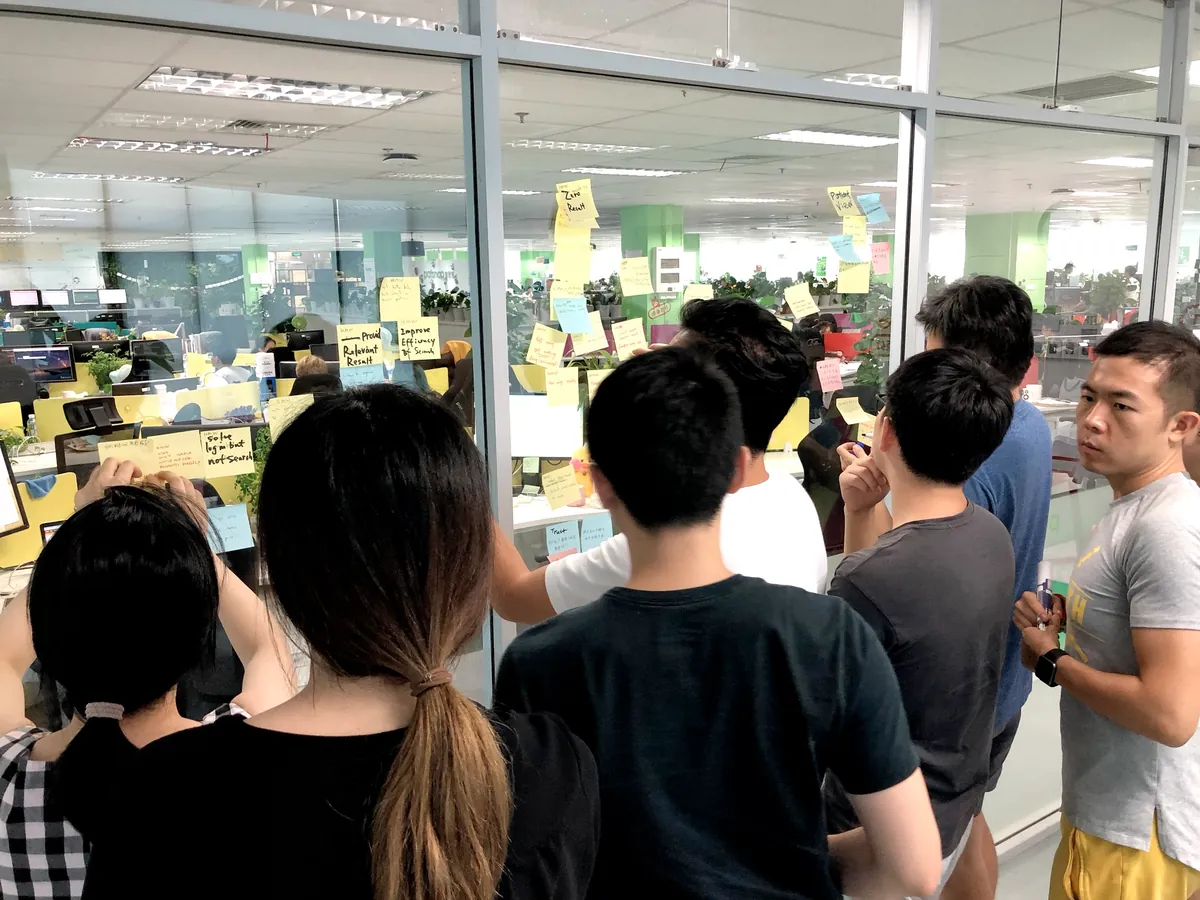
Alongside search, I defined and rolled out a design system to bring consistency across products, and worked with a team of 3–5 designers in China to build their core skills:
- Moving the team to Sketch
- Teaching animation and prototyping techniques
- Teaching them to run ideation sessions
- Mentoring designers and running design thinking workshops
Working across cultures and a language barrier meant constantly rethinking what came naturally from a Western mindset, from expectations around speed to the devices and tools people used.
Reflection
Looking back, I had to dig for feedback that should have been coming to us. If I did it again, I'd build feedback loops in from the start:
- Champion users at each customer, meeting every two weeks to gather their team's feedback and discuss upcoming features
- Regular satisfaction surveys to show where the biggest friction lived
- Tracking dashboard reviews in the cross-functional team's weekly stand-ups
Two lessons have stayed with me: quick evidence wins arguments that opinions can't, and you can simplify for new users without taking power away from experts.